IPv6 for Business Networks: Plan the Rollout With Your Singapore ISP
With IPv4 exhaustion accelerating across Asia-Pacific, Singapore businesses face increasing pressure to adopt IPv6—not only to support future internet growth, but also to maintain competitive network operations. Moving to IPv6 offers measurable benefits, yet the transition remains complex. This guide details an end-to-end roadmap focusing on hands-on, practical realities for enterprise-scale deployments, analysing leading vendors like Fortinet FortiGate, Cisco Catalyst, and Microsoft Windows Server. By addressing technical, operational and strategic considerations, it provides a rigorous blueprint for business IPv6 deployment in Singapore workspaces.
Confirm IPv6 Availability With Your Business ISP
Securing robust IPv6 service from your internet provider is the foundational step. In Singapore, major ISPs (Singtel, StarHub, M1, and MyRepublic) vary widely in enterprise IPv6 readiness:
- Native Dual-Stack Support: Some ISPs offer true dual-stack configuration with fully routable /48 or /56 prefixes, but others may present only tunnelled or /64 offerings, which may not accommodate growth.
- SLAs and Uptime Guarantees: IPv6 SLAs can diverge from their IPv4 equivalents. Scrutinize contract terms specifically for failover mechanisms, prefix retention, and DNS reliability.
- Provisioning Complexity: New IPv6 circuits may involve fresh CPE, updated firmware, or manual intervention at the provider edge. Lead times of 2–6 weeks are not uncommon, especially for BGP advertisements or multi-site WAN setups.
- Peering Relationships: Some ISPs’ IPv6 reach may not match their IPv4 peering, introducing asymmetric routing or subpar latency to certain destinations. Request detailed peering and transit disclosures for both protocols.
Request a written technical statement from your ISP covering prefix size(s), address assignment models (static/DHCPv6/SLAAC), and any network segmentations that could impact rollouts. Test sample allocations and latency before committing to a migration timeline.
Audit Application and Equipment Compatibility
Most modern network equipment and business software claim IPv6 compatibility, but real-world scenarios often expose crucial limitations, particularly under dual-stack environments.
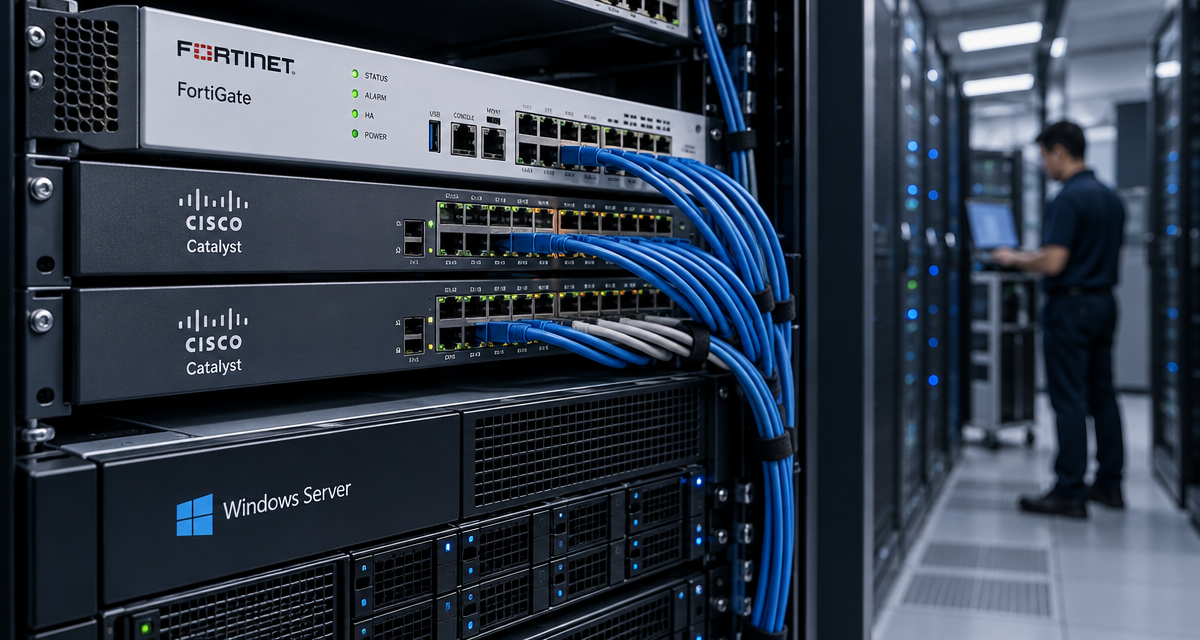
- Firewalls and Security Appliances: While Fortinet FortiGate and Cisco Catalyst lines have mature IPv6 support, exact feature parity with IPv4 (such as SSL inspection, NGFW visibility, VPN, and dynamic routing protocols) must be validated per firmware version. Review vendor compatibility matrices and enable IPv6-specific rule logging for at least 2–4 weeks pre-migration.
- End-User Devices: Microsoft Windows Server (2016/2019/2022) and modern Windows 10/11 clients offer IPv6 stacks by default. However, legacy OS (XP/Server 2003), certain Android versions, or BYOD parity may lack reliability or admin tools for address/prefix configuration.
- Line-of-Business and Cloud Apps: Applications running on IIS or Apache generally support IPv6 sockets, but hardcoded IPv4 endpoints—often missed in middleware, databases, or app-layer configurations—frequently cause production outages. Conduct thorough packet captures and dependency scans in QA environments with IPv6-only access to catch these.
- Network Management and Monitoring: SNMP, NetFlow, RADIUS/TACACS, and logging tools may show partial IPv6 support. Test every integration—i.e., SIEMs or NAC platforms—to ensure logs, alerts, and authentication/authorization workflows do not silently fail in IPv6 paths.
Draw up a formal risk register listing all devices, OSes, and applications with their current IPv6 status (unsupported, requires patch, fully compliant), and prioritize remediation actions for critical business functions.
Plan Prefix Allocation Across Office Networks
Proper address planning is fundamental for scalable, manageable IPv6 architecture—especially for Singapore businesses managing multi-site, branch, or hybrid-cloud ecosystems.
- Prefix Sizing: ISPs often allocate /48 or /56 prefixes. The former supports 65,536 /64 subnets, ample for even the largest campus structures. Avoid static /64 assignments unless justified by very small, single-site needs.
- Site Summarization: Design address plans that simplify inter-office routing. For example:
- HQ Network: 2406:xxxx:0001::/48
- Branch 1: 2406:xxxx:0100::/48
- Cloud Segment: 2406:xxxx:1000::/48
- VLAN and Departmental Segregation: Assign one /64 per VLAN, ensuring no prefix overlaps with unused bits reserved for future growth. Resist the urge to subnet below /64; native neighbor discovery and SLAAC break otherwise.
When integrating with FortiGate, Cisco Catalyst Layer 3 switches, or Windows DHCPv6 servers, document the mapping between IPv4 VLANs/subnets and their equivalent IPv6 prefixes for both east-west (intranet) and north-south (WAN) flows. Automate prefix assignment where feasible through IPAM, and reserve non-routable address blocks for lab/testing environments.
| Address Block | Use Case | Typical Size | Example Allocation | Recommended Assignment Tool | Vendor Integration Notes |
|---|---|---|---|---|---|
| /48 | Headquarters/Primary Data Center | Up to 65,536 subnets | 2406:xxxx:0000::/48 | DHCPv6, FortiGate, IPAM | Viable for large scale WAN aggregation; ensure BGP summarization on core routers |
| /56 | Branch Offices | 256 subnets | 2406:xxxx:0100::/56 | Windows DHCPv6, Cisco Catalyst | Requires static assignment at branch edge; may be insufficient for multi-floor/high-density |
| /64 | Single VLAN/Segment | 1 subnet | 2406:xxxx:0100:0001::/64 | Autoconfiguration/SLAAC | Never subdivide further; breaks native IPv6 functions |
Configure Address Assignment and DNS
Streamlined IPv6 deployment depends on balancing automation (SLAAC) and precision (DHCPv6), with DNS support integrated at every layer.
- SLAAC vs DHCPv6: SLAAC (Stateless Address Autoconfiguration) lets devices pick their own addresses based on router advertisements. This is simple but gives less control—no central list of assigned addresses. DHCPv6 allows central tracking and optional assignment of DNS suffixes or domain search lists, but can introduce single points of failure if not properly redundant.
- DNS Registration: Both forward (AAAA) and reverse (ip6.arpa) DNS zones must be provisioned. Windows Server DNS natively supports dual-stack registration, but manual verification is crucial; mismatched PTR records (especially after device reimaging or address churn) can break Active Directory, monitoring and GPO enforcement.
- Router Configuration: On FortiGate and Cisco Catalyst, configure
ipv6 ndsettings to ensure correct router advertisements and configure relay agents if using centralized DHCPv6. Review each router’s capacity for prefix delegation, and monitor syslogs for signs of address collision or exhaustion.
Technical friction increases in environments with mixed device types or third-party DNS/DHCP appliances (Infoblox, BlueCat). Account for these in rollout plans, and always stage a controlled pilot before city-wide rollout.
Apply Equivalent IPv4 and IPv6 Security Controls
Many businesses mistakenly assume that porting existing IPv4 firewall and security rules to IPv6 is straightforward. In practice, differing header structures, protocol nuances, and management interfaces often leave gaping holes if not manually audited.
- Firewall Policy Parity: With FortiGate, each IPv6 policy is managed independently from its IPv4 counterpart. Automate extraction and cross-checking of topologies and rulesets to ensure no unprotected segments. For Cisco Catalyst firewalls, both ACL syntax and log output can differ, necessitating care in translation.
- Intrusion Detection and Prevention: Make sure IDS/IPS engines support IPv6 deep packet inspection. Some legacy signatures or pattern recognizers may silently disable under IPv6 flows, weakening threat posture until upgraded.
- Zero Trust and Endpoint Security: IPv6 privacy extensions and temporary addresses can complicate device fingerprinting and enforcement of zero trust controls. Enhance endpoint management policies and consider supplemental agent-based controls in BYOD environments.
- SIEM and Log Management: Many log collection and SIEM systems still de-prioritize IPv6 fields in dashboards and alerts. Allocate sufficient log buffer and configure normalization pipelines to parse both IPv4 and IPv6 event artifacts, or risk missed incidents.
Conduct penetration testing with the same rigor as for IPv4. Document and publish an IPv6-specific security hardening guide tailored for your operational teams.
Check VPN and Monitoring Behaviour
Remote access and visibility tools must be validated for IPv6 capability, as subtle incompatibilities often disrupt business operations. Consider these realities:
- Legacy VPN Protocols: L2TP/IPsec and SSL VPNs (on FortiGate and Cisco) may tunnel only IPv4 traffic by default.
- Dual-Stack Client Confusion: Clients that receive both IPv6 and IPv4 addresses may see split-tunneling, DNS resolution, or routing ambiguity, particularly when DNS64/NAT64 translation is present. Explicitly configure split versus full tunnel policies to avoid this.
- Monitoring Blind Spots: Traditional NetFlow, SNMP, or syslog collection systems usually require separate IPv6 enablement. Monitoring solutions (e.g. SolarWinds, PRTG, WhatsUp Gold) should be tested for IPv6 endpoint discovery, alerting fidelity, and log enrichment. Otherwise, device outages or attacks over IPv6 may go undetected.
- Performance Profiling: Routinely compare latency, failover, and packet loss between IPv4 and IPv6 paths. Network issues can emerge due to asymmetric transit, misconfigured MTU, or overlooked IPv6-only appliances at remote offices.
Integrate VPN and monitoring health checks as mandatory steps in every test plan. Build runbooks for troubleshooting dual-stack client failures, and standardize escalation paths for IPv6-specific anomalies.
Pilot Dual Stack With Selected Business Devices
Enterprises rolling out IPv6 should always begin with a defined set of test users and devices, covering a cross-section of business use cases and product lines.
- Segmented Test Groups: Choose at least one device from each major OS and application profile: Windows Server, Windows/macOS clients, Linux hosts, office printers, video conference units, and guest Wi-Fi endpoints. Ensure each group includes devices from different vendors and hardware generations—this surfaces corner-case bugs early.
- Real-World Workflow Testing: Simulate business workflows (e.g., VoIP, CRM database access, financial transaction processing) to thoroughly verify connectivity, name resolution, and security controls under dual-stack conditions.
- Measurement and Diagnostics: Collect baseline and ongoing metrics with tools like
ping6,traceroute6, packet captures, and application logs. Watch not just for outright failure, but subtle degradations in performance, timeouts, and anomalous routing/MTU handling. - Feature Gaps and Workarounds: Identify and document any device classes or software that can only function reliably on IPv4. Determine if firmware updates or hotfixes are available, or if infrastructure replacement is warranted for long-term strategy.
Piloting helps uncover human factors—such as operational confusion over dual-stack troubleshooting—and builds institutional knowledge. Capture and refine SOPs before scaling up network-wide deployment.
Document Rollback and Support Responsibilities
Complex rollouts inevitably carry risk. Rigorous documentation of both forward (deployment) and backward (rollback) procedures is critical for business continuity.
- Rollback Methodology: Capture step-by-step instructions not just for reverting address assignments, but for restoring previous DNS records, firewall policies, and monitoring integrations. If using routers or firewalls (FortiGate or Cisco Catalyst) supporting configuration snapshots, regularly export and archive these pre-change.
- Support Boundary Mapping: Clearly define which teams (ISP NOC, internal network ops, system admins, application owners) are responsible for each protocol layer, and outline escalation paths for both production and after-hours incidents.
- Change Control and Audit Trails: Use version-controlled repositories or enterprise change management tools for logging every modification during the IPv6 rollout. This ensures full traceability under audit or if post-mortem forensics are needed.
- User Communication and Issue Handling: Document user notification procedures and provide simple feedback/reporting mechanisms during pilots and broader deployment. Acknowledge that troubleshooting IPv6 is often less familiar for users and even IT staff, requiring adjustments in support playbooks.
Effective documentation not only guards operations, but also supports ongoing compliance, cybersecurity requirements, and facilitates knowledge transfer as teams evolve over time.